Managing Your Donation
Wondering how to adjust your donation to The Beacon / INN ? It's easy!
Instructions
- Click here to go to access the Customer Portal. Here is what the Portal looks like:
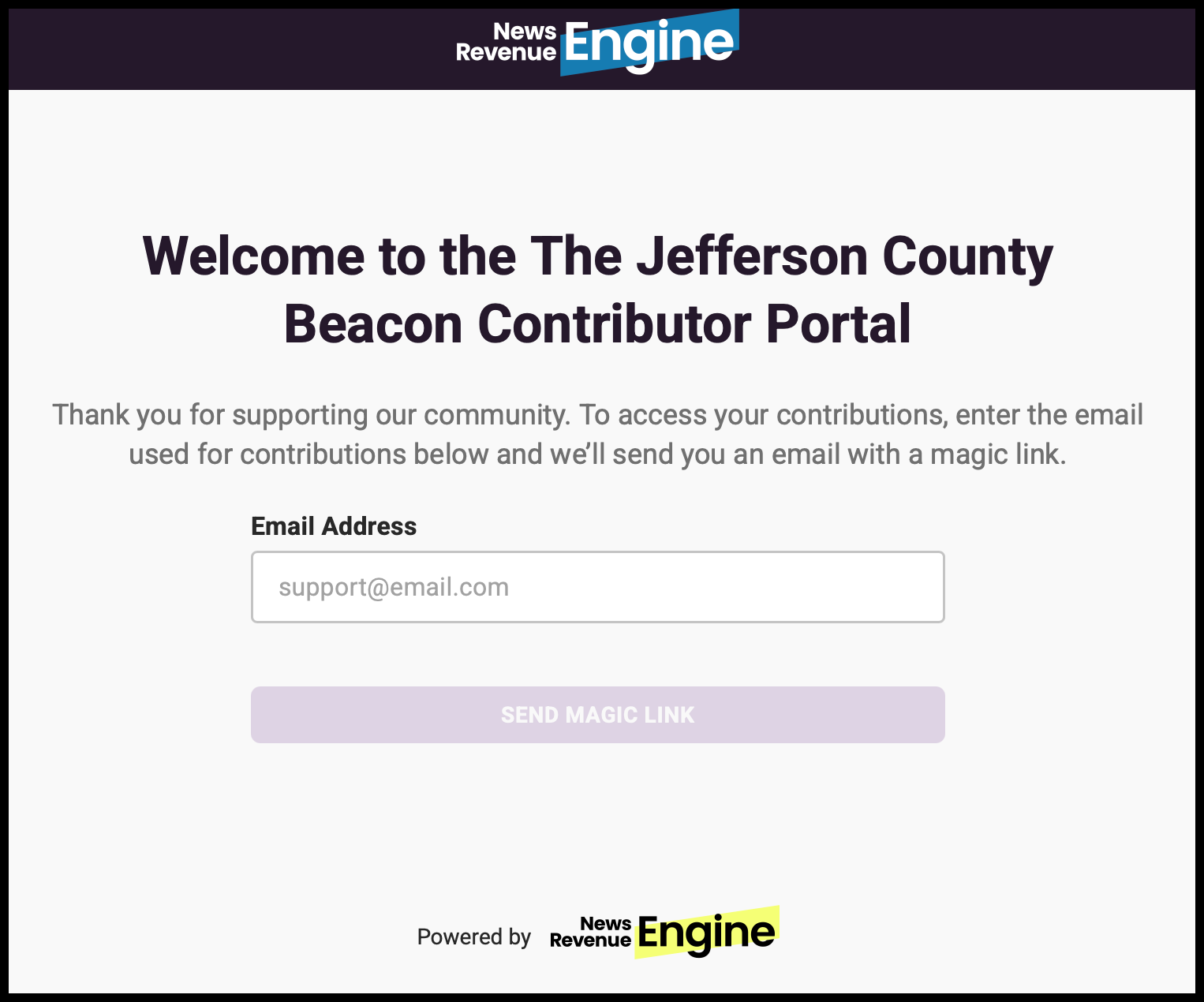
- Type in the email you used for your donation. If you cannot remember which email you used, contact us and we'll give it to you after an identity check.
- You will get a "Magic Link" email which is only valid for 15 minutes. Clicking on that link will sign you in. You do not need to remember a password.
🎗️
Reminder: Donations to The Beacon show up on bank statements as The Institute for Nonprofit News (INN), our fiscal sponsor.
From the portal, you can:
- View your giving history
- Cancel your recurring payments
- Change the name and credit card used on recurring contributions
- Raise or lower the amount on any active subscriptions
https://www.the-jefferson-county-beacon.fundjournalism.org/portal/
No need to bookmark this page
You can always find the portal link and instructions by going to the bottom of any page of The Beacon: