
Reference Guide: Logo Sizing
You want to change the website logo. Here's how.
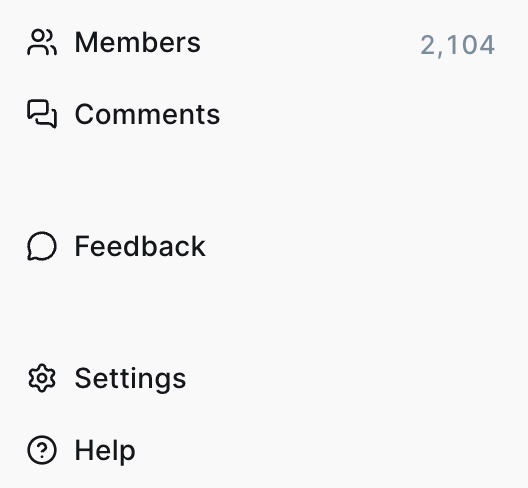
On the main dashboard, click on the settings menu option.
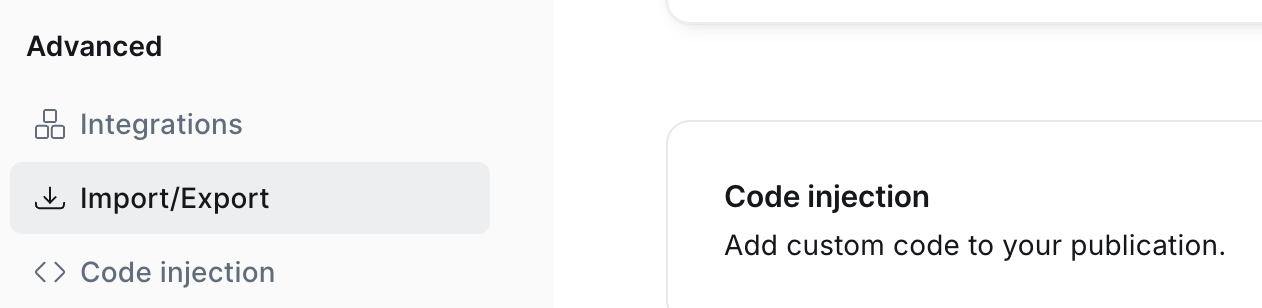
Click on the Code Injection menu option in the Advanced section. The right window will move to display Code Injection section.
Click to Open it.
On the Code Injection window, Site Header is the default.
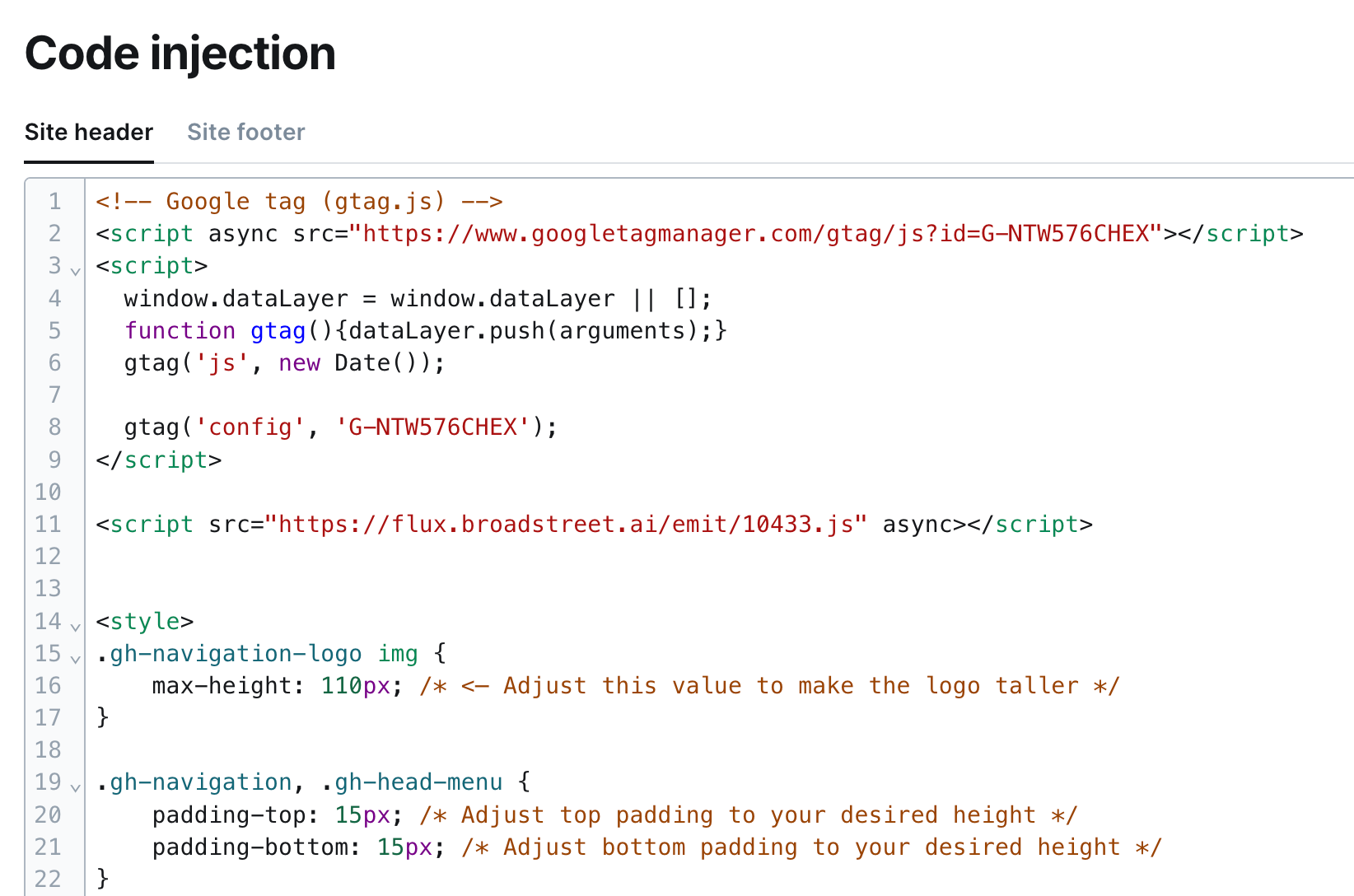
Here is the code you're looking for. Change the px value (here it's pictured as 110px, which is likely the max).

Click Save. Done!