
Reference Guide: Snippets
We're using "snippets" to add in recurring objects for the site, and for the newsletter. They are super simple to set up and use, but here's a quick guide so anyone doing layout can figure it out.
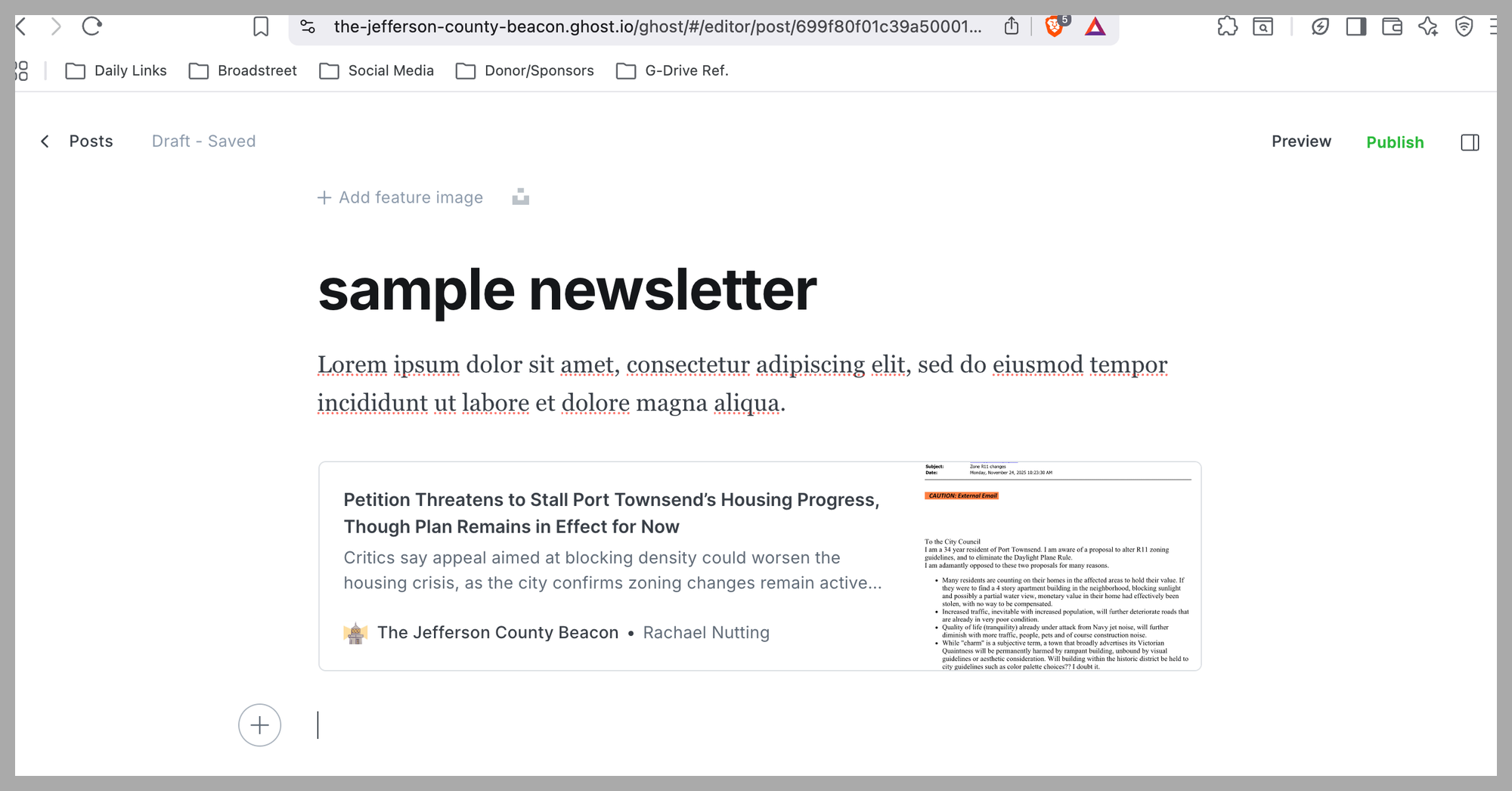
Step 1: Look for the + sign
Hitting return will make a + sign pop up in the left column. This is the same + sign we use to add bookmarks, images, etc.
Step 2: Click the + sign
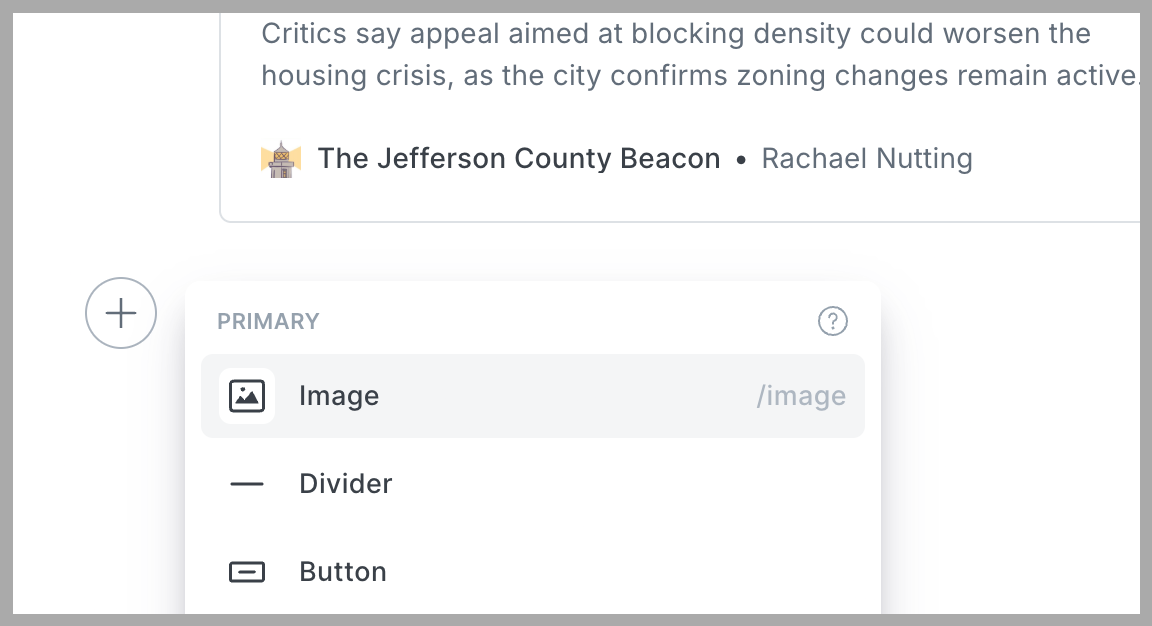
Bring up the pop up.
Step 3: Scroooooooll
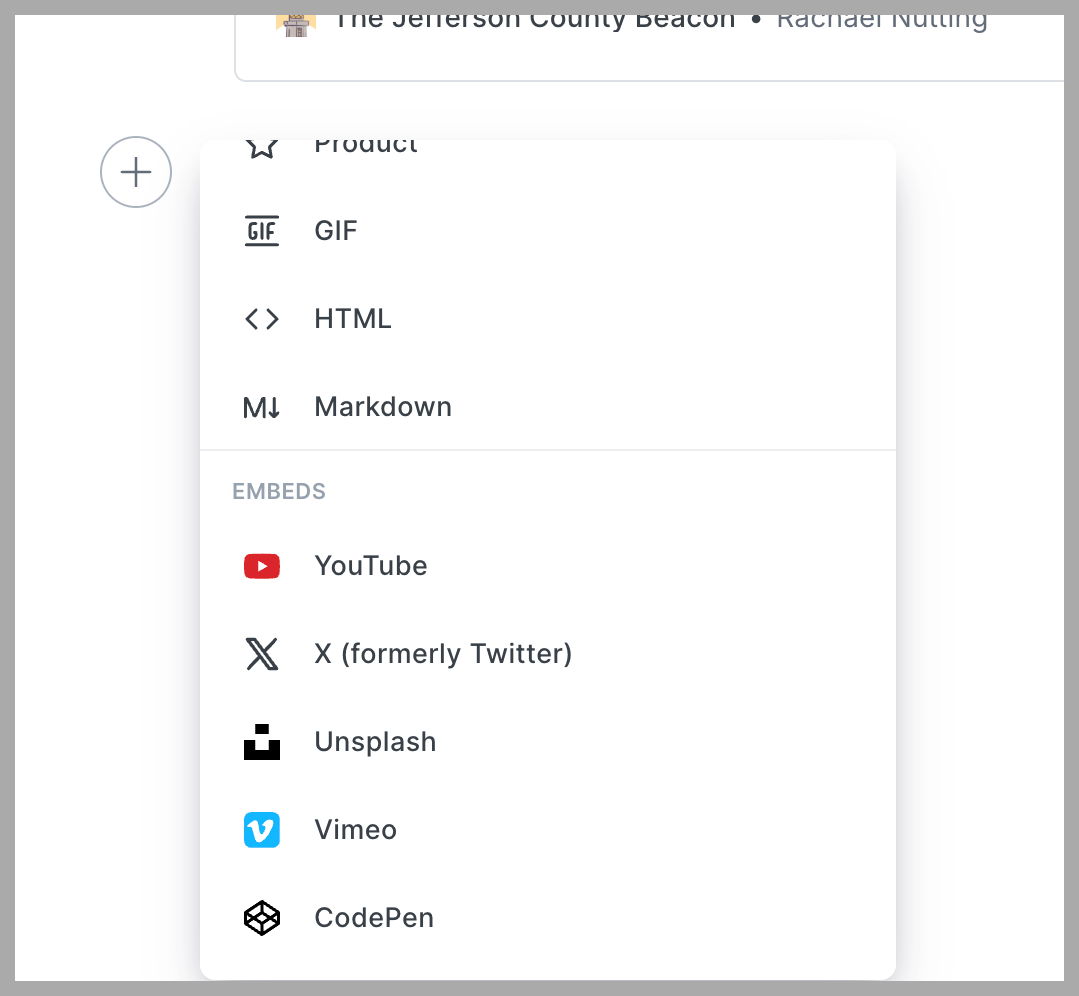
Okay, the pop-up window is up... but where's the "snippet"? Aaaaaall the way at the bottom... when you see Embed, you're only halfway down.
Step 4: Select your snippet
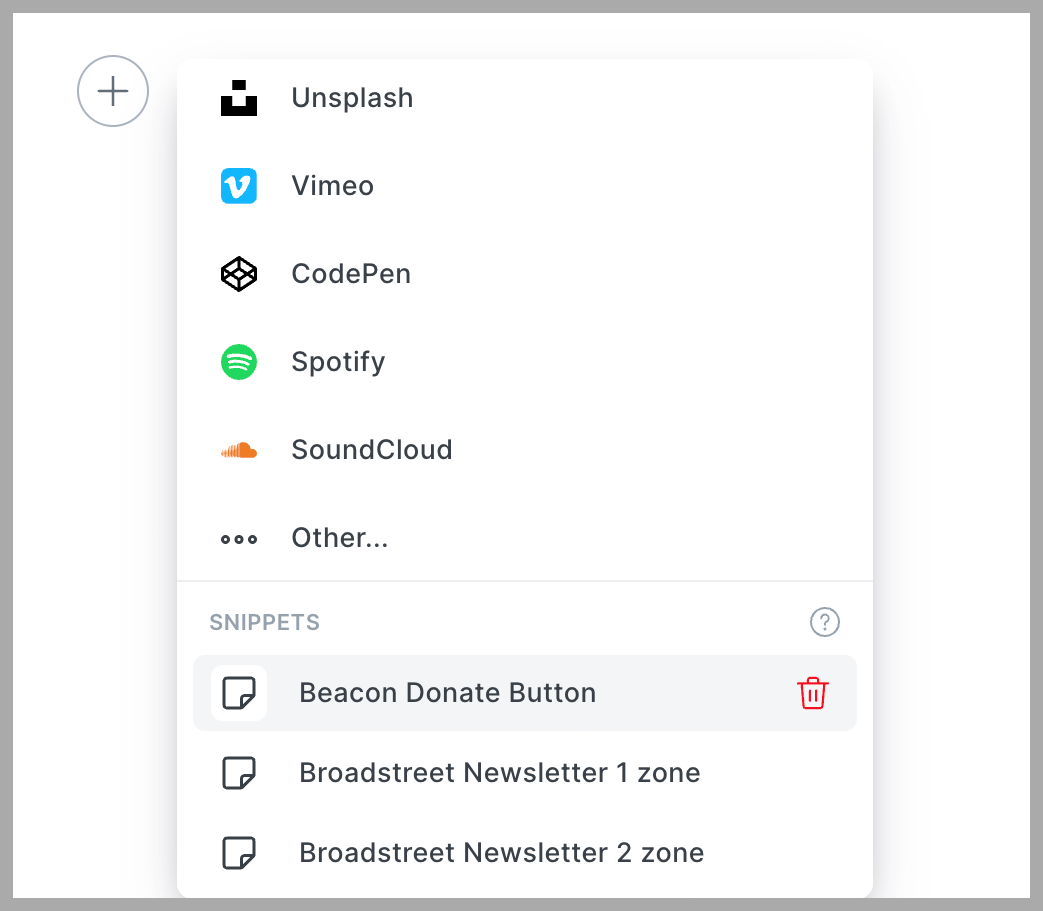
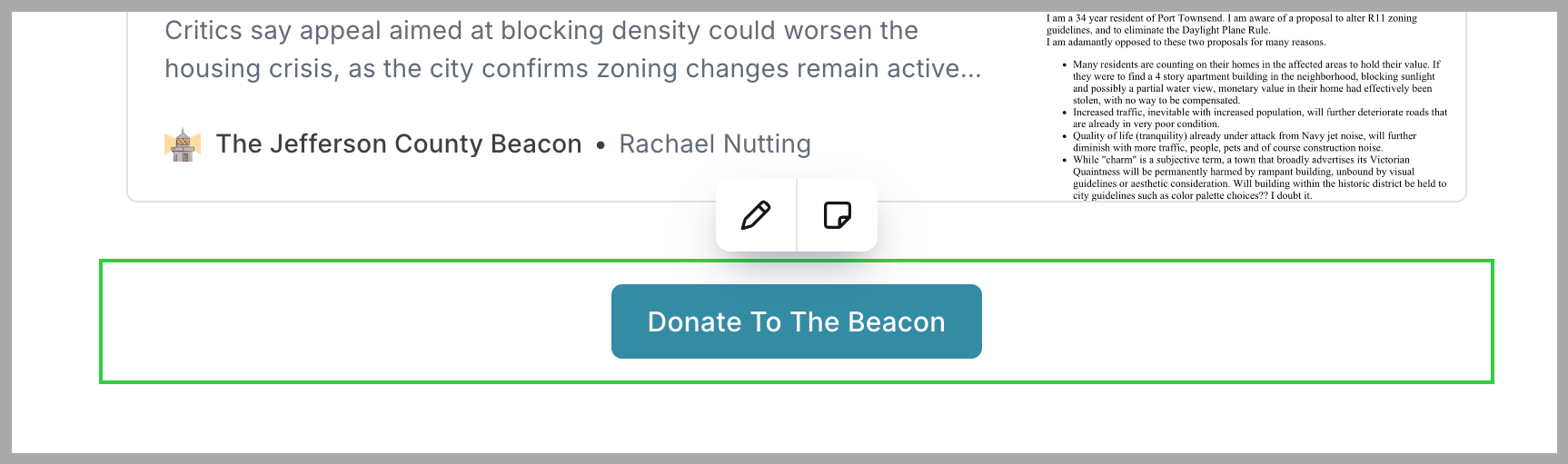
This is how to insert ads into posts, either for the newsletter or for regular posts. But to insert our Donate button, click on the enigmatically named snippet, "Beacon Donate Button".
Step 6: Revel in your newfound powers
There. You have just made it that much easier for readers to make (or increase) their donation. You are truly the master of the Beacon's universe. Thank you for all that you do.
Last Updated: 25 February 2025